|
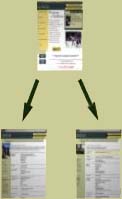
Previewing your Web page is an extremely useful
tool, as it will allow you to check for any mistakes
and make sure that your page is compatible with
Netscape Navigator and Microsoft Internet Explorer,
the two universal standard browsers.
To configure your Web browsers in Dreamweaver,
you must have already installed Navigator and
IE. Click on File > Preview in Browser >
Edit Browser List. From there, locate the executable
files for those two programs by browsing through
your program files. Once these are configured,
they should both appear under File > Preview
in Browser.
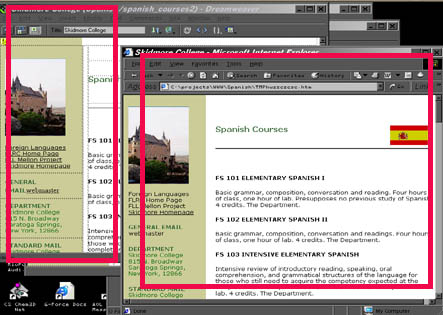
Now you can click on File > Preview in Browser
to preview all your pages in both browsers!
Always remember to make sure that your page is
working properly on both Mac and PC platforms
with both browsers.
Please proceed to the next section ...
|