Below are options for website updates
I will use filler text and images for the previews. Each section will be divided by a line, similar to the line just after this message.
Headers:
H1 Heading (Serif, bold)
H2 Heading (Always cap, sans serif, condensed bold)
H3 Heading (Sans Serif, Light)
H4 Heading (Sans Serif, Light)
H5 Heading (Always Cap, Sans Serif, condensed bold, highlighter green)
H6 Heading (Sans Serif, Light, Captioning font)
Text Options:
Paragraph (Sans Serif, Light, normal spacing)
IE creates a space between lines like so
Address/Aside/Figure (Sans Serif, Light - No spacing after return)Block Quote
IE - no line here
Links:
Small green button style looks like this (All Caps, for Special links)
Full width green button style looks like this (All Caps, for Special Links)
Small Yellow button style looks like this
Full width yellow button looks like this
Small Light green button style looks like this
Full width light green button style looks like this
Organizational Tools and Tables:
| basic | table | looks | like | this | and | is |
| not | specially | formatted | at | all | NO | BORDERS |
This is Accordion Text
- - - - - -
This is the text before a Jump This is a Read More style jump, Click on me
This is hidden text under a read more
- - - - - -
This is tab content
- - - - - -
This is Row 1 of "Alternating Background Snippets"
Lorem ipsum dolor sit amet,
This is Row 2
consectetur adipiscing elit.
This is Row 3
Duis a lorem viverra neque accumsan eleifend id vitae sapien.
This is Row 4
Pellentesque a diam nec nibh luctus vehicula sed a mi.
Images:
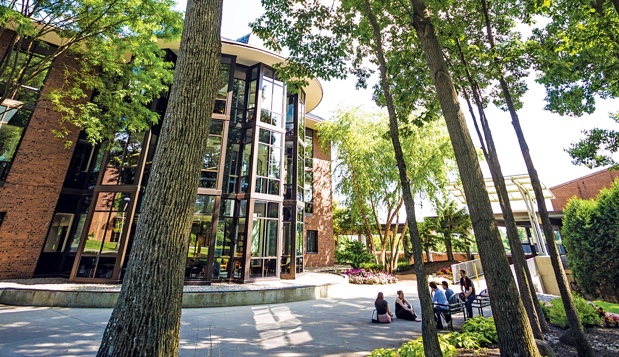
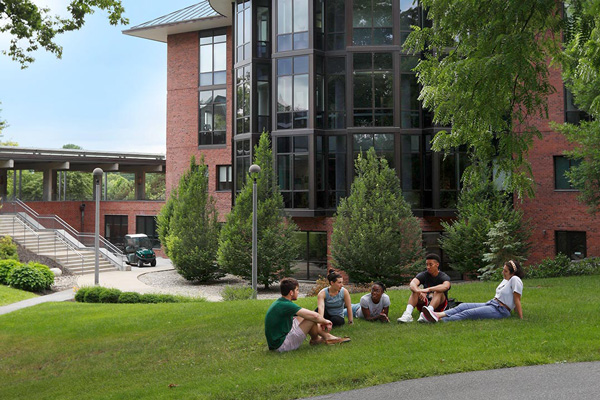
Gray Backed Text Callout - New
This is a gray paragraph - you can aligh it center like this, or have it float on the right, or left
- test 1
- test 2
- test 3
- test 4
- test 5
| Formatted Table | Formatted Table | Formatted Table |
|---|---|---|
| Data | Data | Data |
| Data | Data | Data |
| Data | Data | Data |
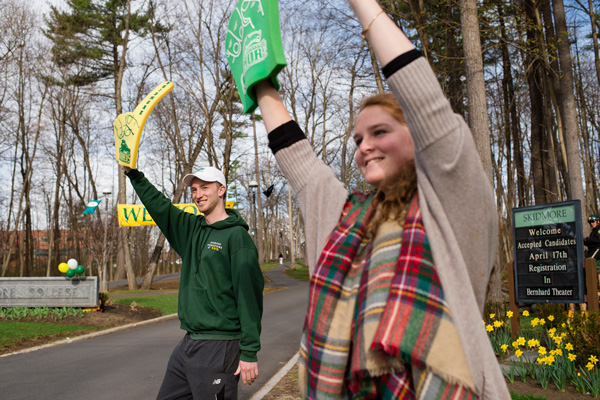
Example H5
This is a Staggered Border
Lorem ipsum dolor sit amet, consectetur adipiscing elit. Aliquam maximus sapien nulla. Donec congue lectus id vulputate pulvinar. Donec eget eleifend sem, quis efficitur ante. Duis vel dui non arcu euismod finibus. Sed consectetur molestie erat, et dignissim lorem interdum ut.
Example H5
These Borders come in groups of two so use an even number of photos
Lorem ipsum dolor sit amet, consectetur adipiscing elit. Aliquam maximus sapien nulla. Donec congue lectus id vulputate pulvinar. Donec eget eleifend sem, quis efficitur ante. Duis vel dui non arcu euismod finibus. Sed consectetur molestie erat, et dignissim lorem interdum ut.

This is the new style of quoted callout - differing from the quote text which does not provide the author formatting seen hereThis is the Author
Headers and Footers (click to enlarge image in a new tab):
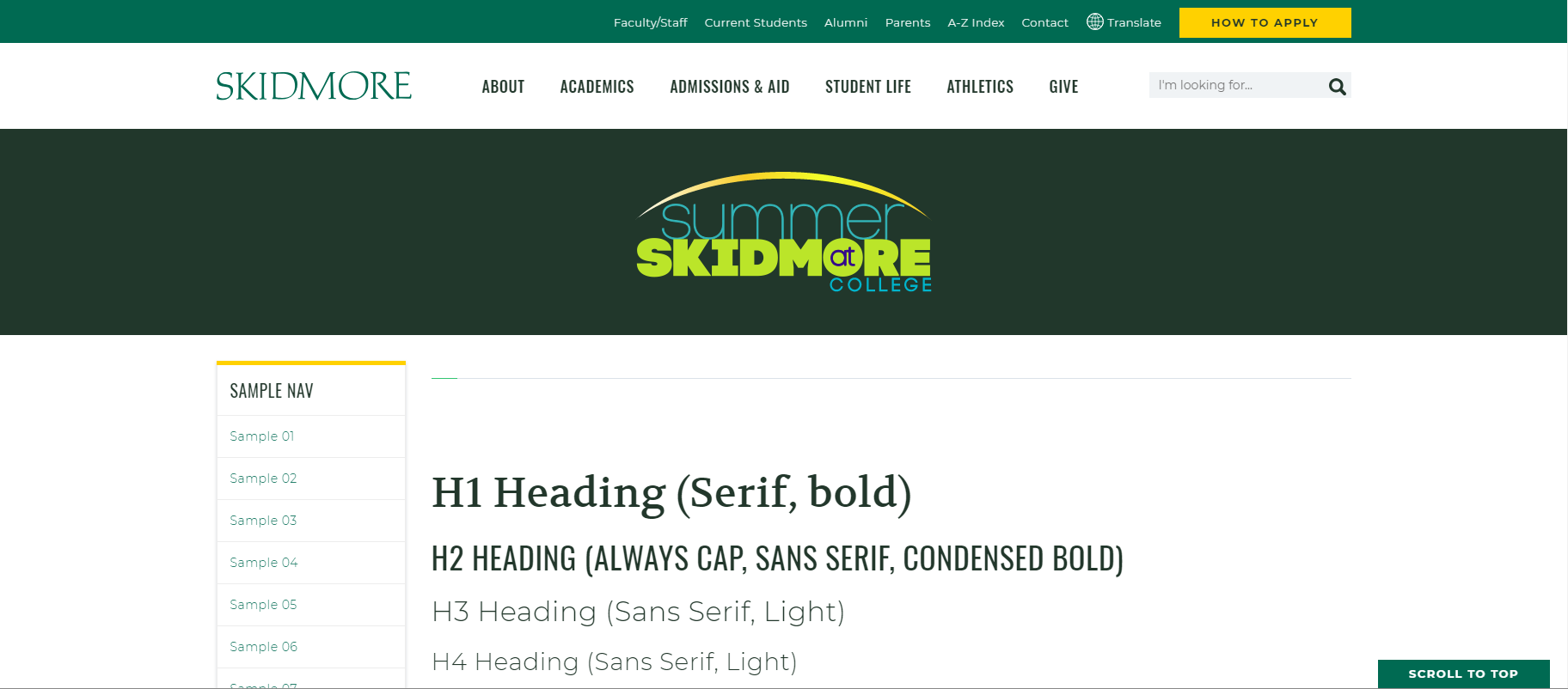

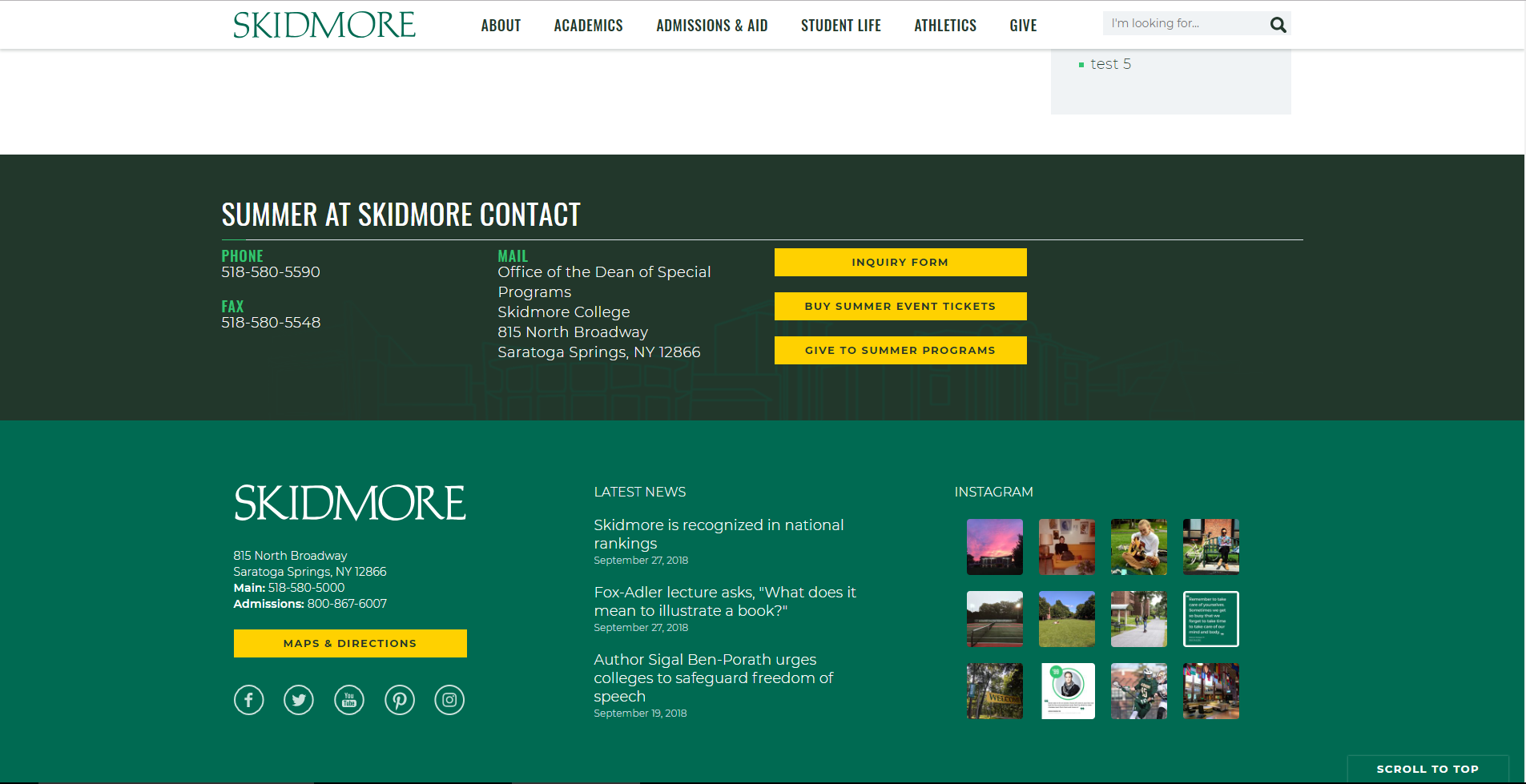
Notice standard includes the site's footer, followed by Skidmore's footer
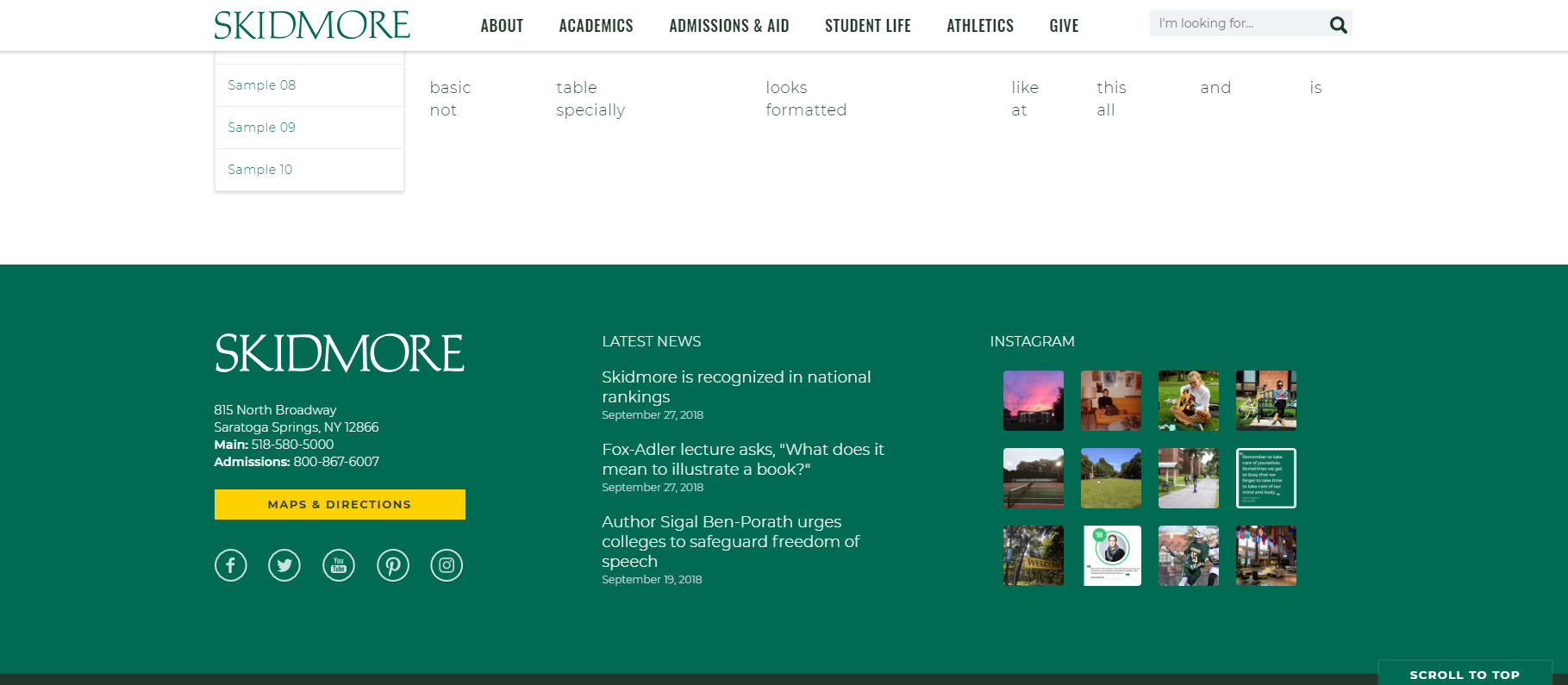
Notice that the NO footer option retains the Skidmore footer as it is always required

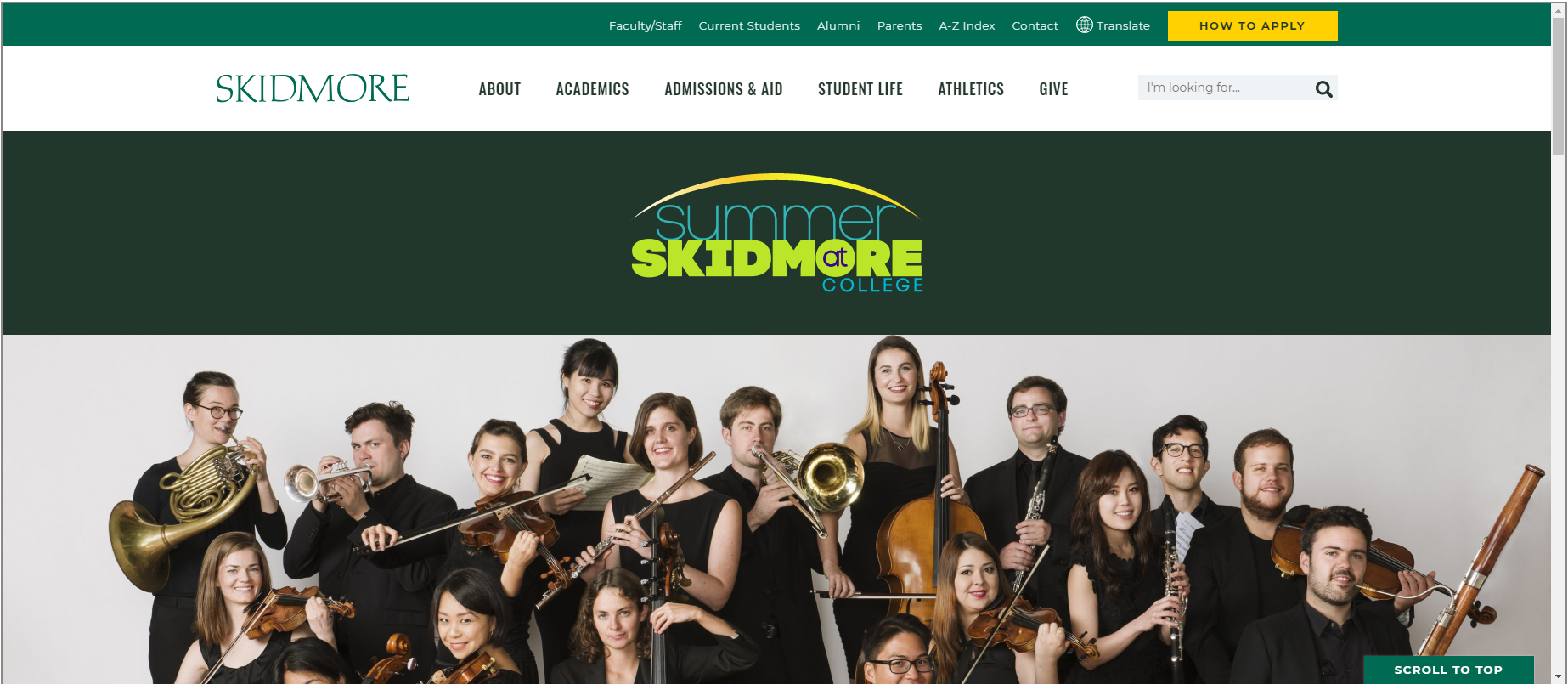
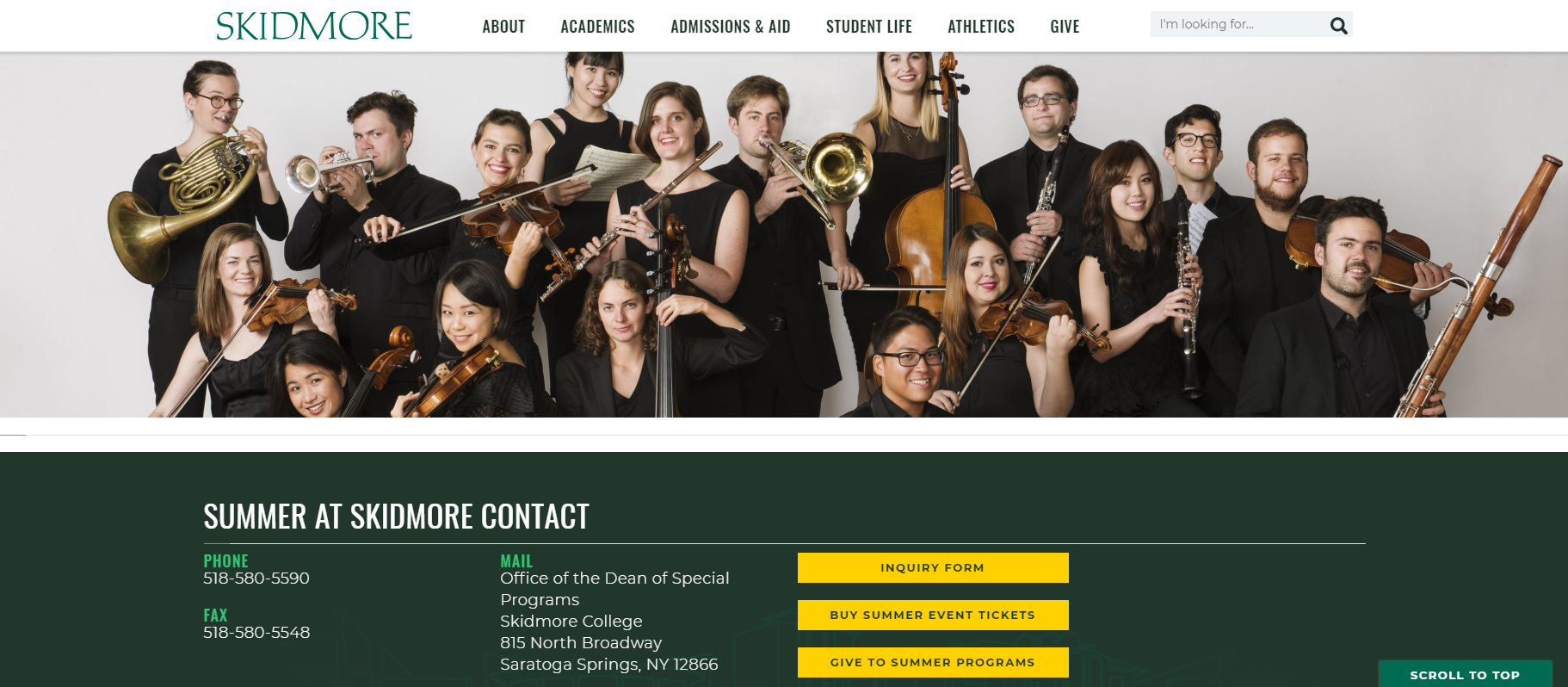
This may be an image, banner, video, or Text Announcement

This may be an image, banner, video, or Text Announcement

Alerts (usually reserved for notices!):

A Generic inquiry form looks like this: